September 10, 2026
What Actually Changed in the iPhone 18 Pro Camera
I’ve been shooting on an iPhone long enough that I don’t get excited about every new iPhone camera headline.
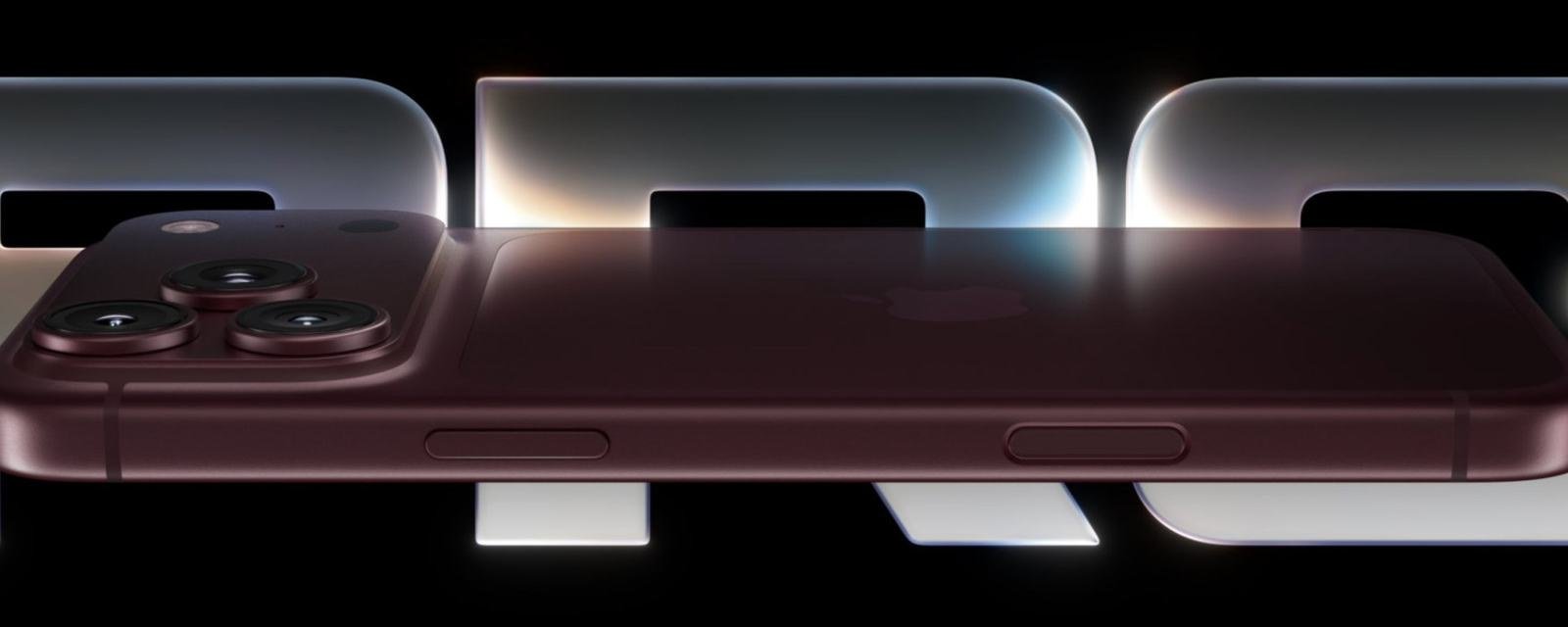
I’ve been shooting on an iPhone long enough that I don’t get excited about every new iPhone camera headline. A lot of yearly upgrades are incremental. This one is different in a few specific ways. Apple put the emphasis on control — a variable aperture on the main camera, real manual tools in the Camera app, and a few computational extras that line up with how I already work in the field.
I don’t have the 18 Pro Max just yet. What follows is how the announced camera system looks from the perspective of someone who already uses the 17 Pro Max for landscapes, travel, and everyday shooting.
All photos in this article are courtesy of Apple.
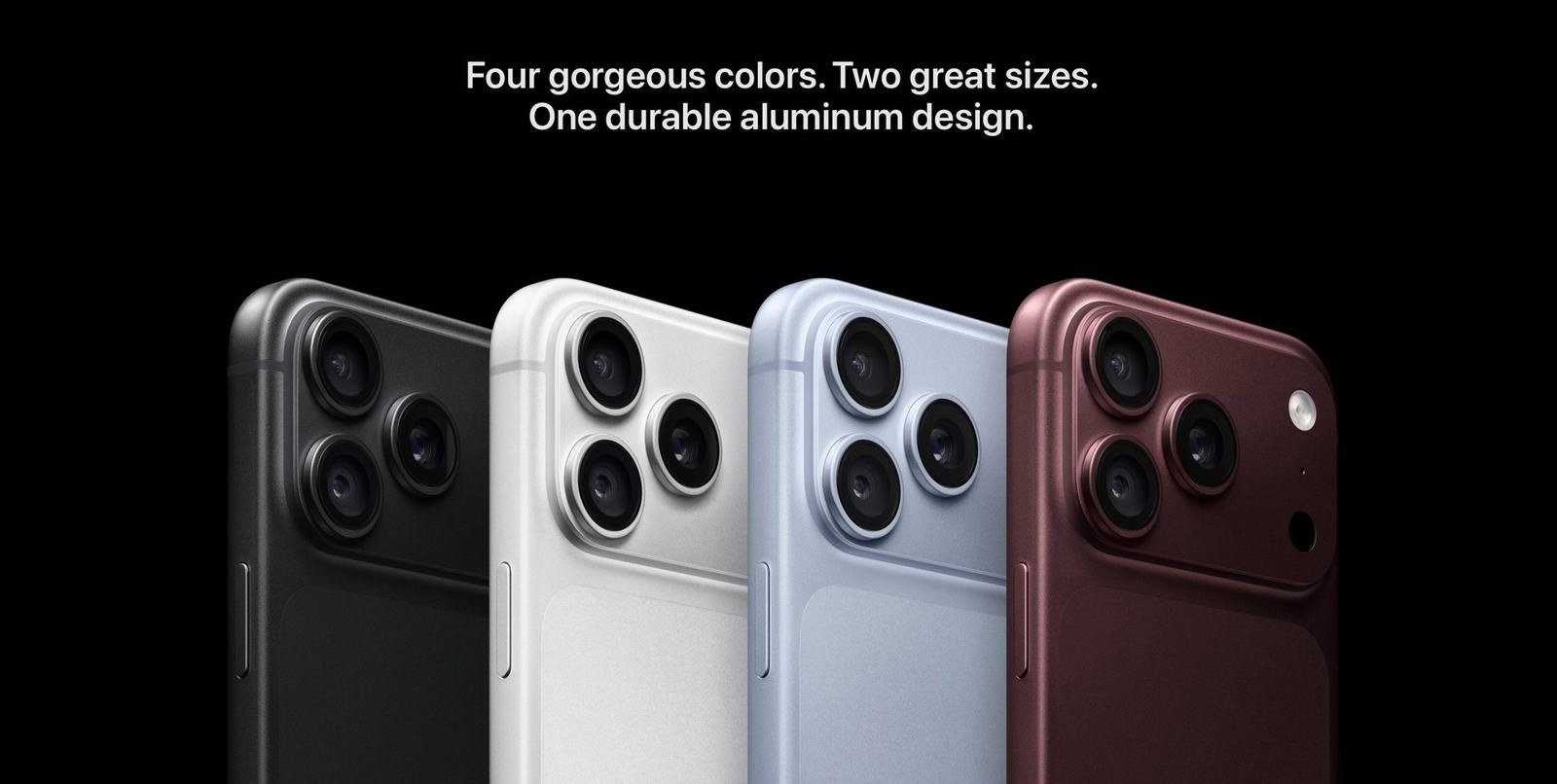
The Main Camera Can Finally Change Aperture
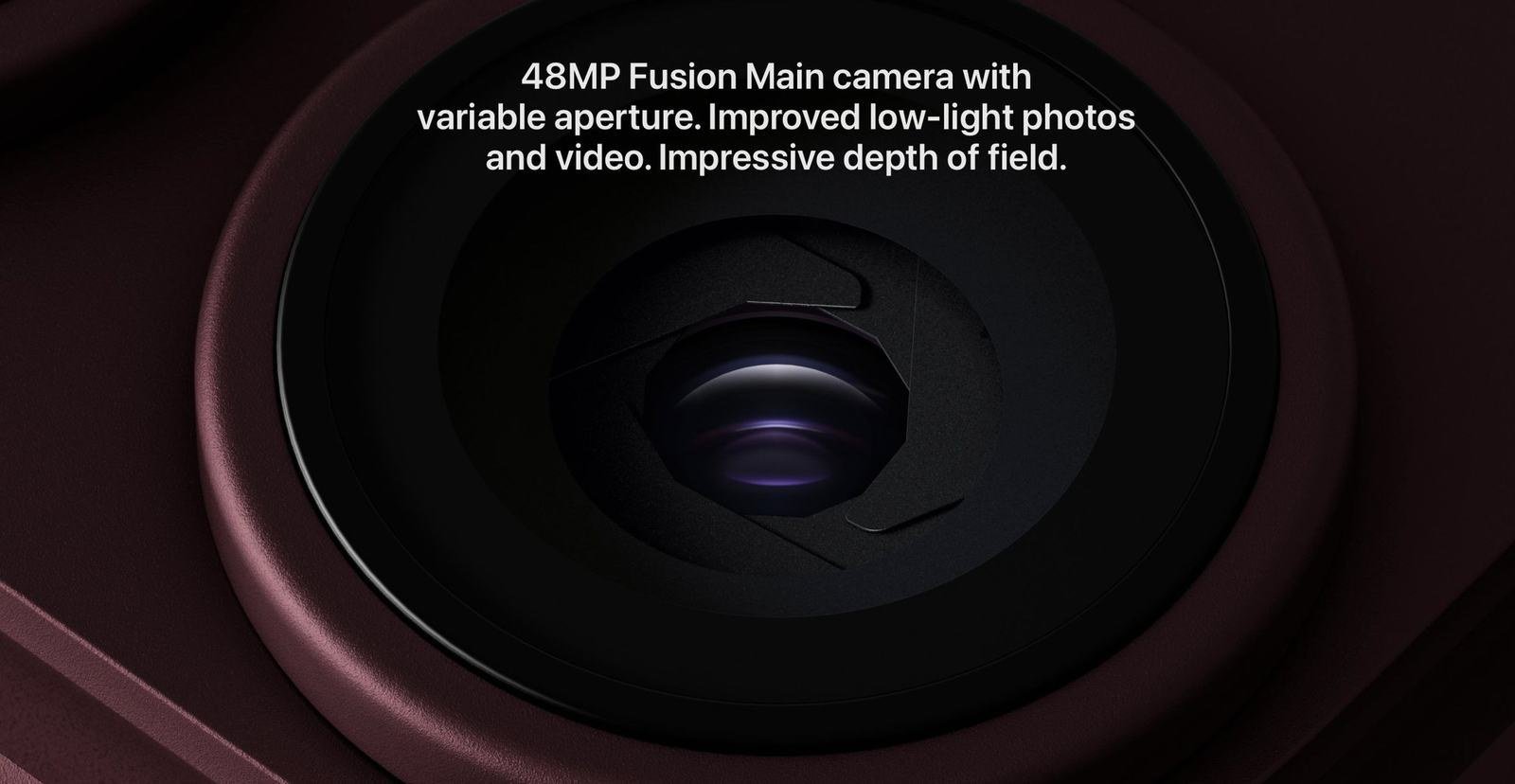
The headline feature is a 48MP Fusion Main camera with a variable aperture. Apple is listing four settings: ƒ/1.48, ƒ/1.8, ƒ/2.8, and ƒ/4.0. The mechanism uses six very thin blades and a custom lens so the quality stays usable across that range. In dark scenes the lens can open up and let in more light, which Apple says improves low-light photos and speeds up Night mode. In brighter scenes you can stop it down and keep more of the frame sharp.
That is the first time an iPhone has given this kind of optical control instead of only simulating it. For the way I shoot, ƒ/4.0 is the interesting number. Landscapes and overlooks often look better when the foreground and the distant ridges both stay crisp. On previous phones I had to lean on computational tricks or just accept a shallower look than I wanted. Being able to choose that at capture, on the main 24mm/48mm camera, is the upgrade I care about most.
Pro Controls Are Built Into the Camera App
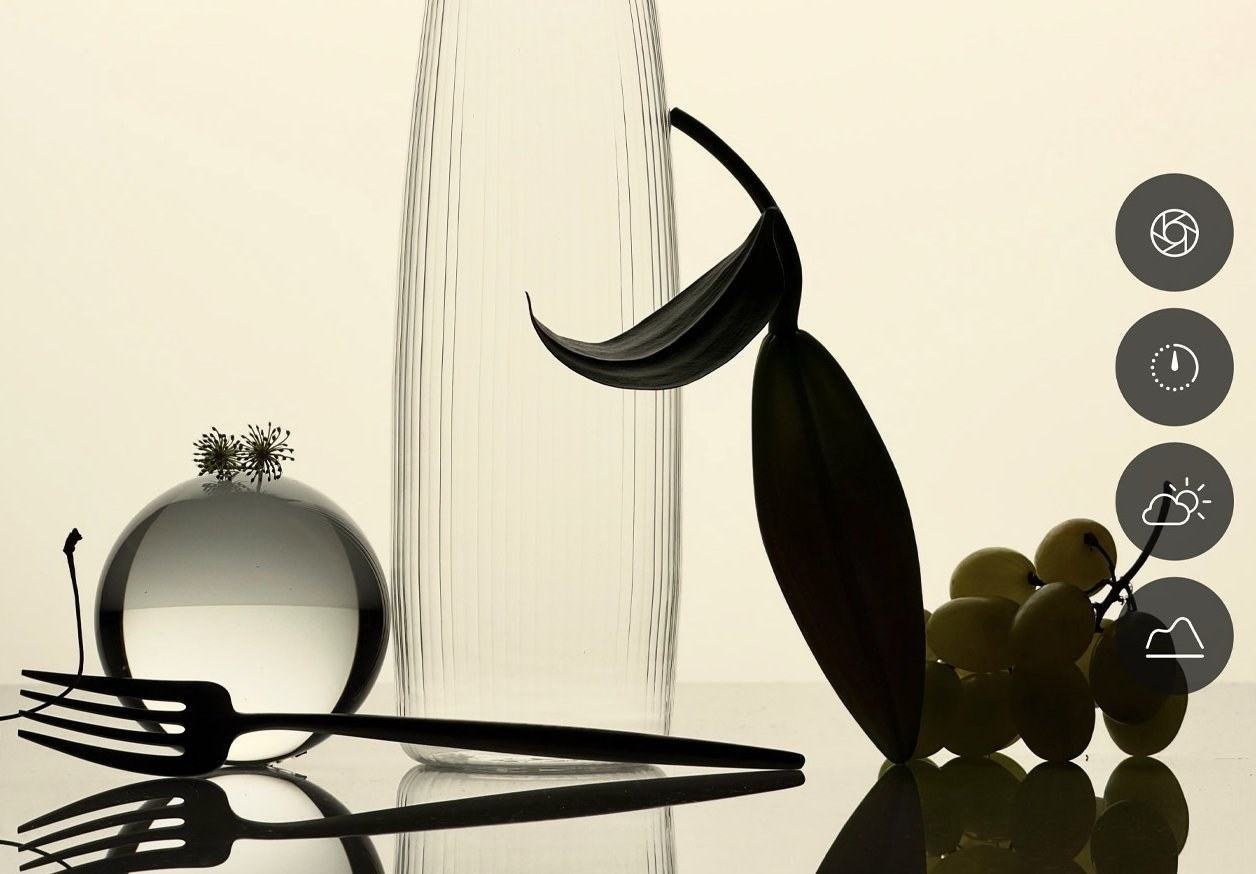
Apple also added Pro Controls directly in Camera. You can adjust aperture, shutter speed, and white balance, and there is a histogram for checking exposure. Those tools used to mean opening a third-party app. Now they live in the same place I already shoot.
Shutter speed is the one I expect to use first. Moving water, wind in trees, and handheld night shots all change depending on how long the sensor stays open. White balance is useful when I am in mixed light or want a cleaner starting point before I edit. I still like letting the phone handle a lot of the work. I just want the option to step in when the default decision is wrong.
Night Mode Should Feel Less Like a Wait
Apple is claiming about 50 percent more light at the widest aperture and faster Night mode captures. That matters more than it sounds. Night mode on recent iPhones already looks good, but the wait can be long enough that I miss the moment or introduce shake. If the 18 Pro shortens that window and keeps more detail, it becomes more usable on overlooks, city streets, and early morning scenes where I do not want to set up a tripod.
I’m not expecting miracles in complete darkness. I am expecting fewer discarded frames because the phone needed another second to finish the stack.
Texture and Grain Are Now Part of the Look
Photographic Styles now include texture and grain on top of tone and color. That is a small change on paper and a useful one in practice. A lot of iPhone photos still look a little too clean for my taste. Being able to add a bit of grain or soften texture at capture, then reverse it later if I do not like it, gives me a starting point closer to the files I already try to build in editing.
I will still shoot ProRAW or HEIF Max when I want maximum flexibility. Styles are for the photos I want to share quickly without a full edit session.
Video Picked Up a Few Practical Extras
The video side is less of a rewrite and more of a cleanup. You can add Cinematic mode effects after you shoot, now at up to 60 fps. Time-lapse can be 4K in Dolby Vision. Audio Mix is supposed to handle voices and music more cleanly. Dual Capture and the usual ProRes / Log options are still there.
I don’t shoot a lot of video compared with stills, but the after the fact cinematic blur is the one I would actually use. It means I can record a normal clip first and decide later whether the shallow-focus look helps. That is more useful than committing to Cinematic mode while I am still figuring out the scene.
A Signed File for When Authenticity Matters
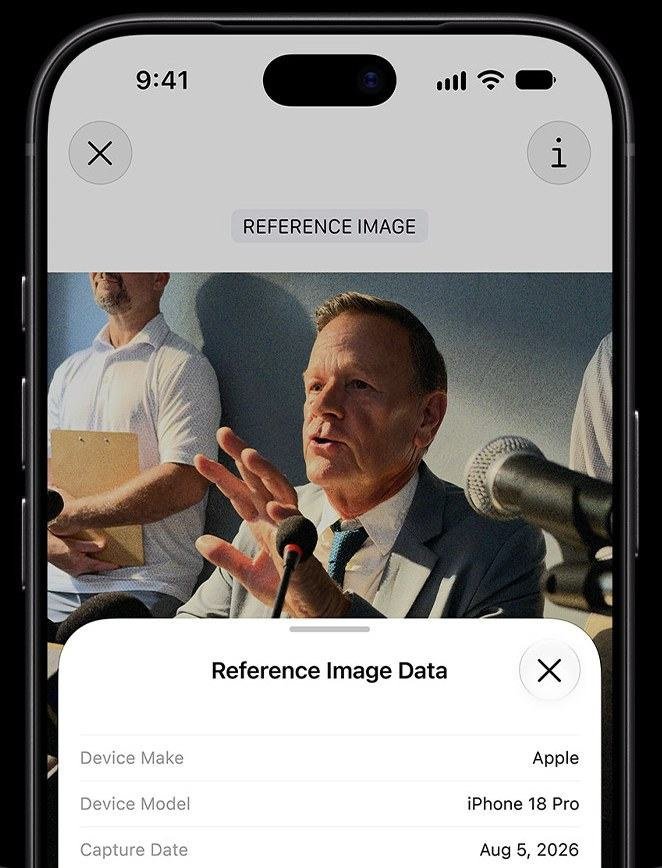
Apple Reference Image is the other new piece. In Reference mode, the main sensor signs the data at capture and creates an unalterable reference file. The idea is that you can show what the camera actually recorded, separate from later edits. Apple is also supporting authenticity standards like SynthID.
That matters to me because some of my photos already get called AI on social media. Long exposures are the usual trigger — silky water, smooth clouds, or a night sky that looks a little too clean. Those files are real, they just do not look like a quick snapshot. Having a signed reference from the moment of capture gives me a way to show the original sensor data when someone assumes the image was generated. I like that it is optional instead of something that gets in the way of normal shooting.
The rest of the camera system is familiar. All three rear cameras are still 48MP. The ultrawide is still the 13mm / 0.5x lens with macro. The telephoto is still the 100mm / 200mm 4x–8x setup. Pro and Pro Max share the same cameras. The A20 Pro chip is what makes the new on-device tools (smart focus tracking, Spatial Reframing, Extend, and a stronger Clean Up) run on the phone.
The 18 Pro camera is not a new way of seeing. It is more control over the same basic tools I already use. Variable aperture and Pro Controls are the features I will test first. If those two work as advertised in real light, this becomes the first iPhone in a while that changes how I set up a shot instead of only how I clean it up later.
-Rich | richphoto.io
Rich Photography · Lexington, Kentucky